Skip to content

Sales for art galleries and artists

From studio to collector

Sell your work in the studio, at a fair or with a payment link, and keep track of what you have with galleries.

Opportunities

Follow every interested buyer to the sale.

When a collector or a gallery shows interest in a piece during a studio visit, record the offer and follow it until it becomes a sale. Note the artwork, the contact, the amount and the status, and check at any time where each conversation stands.

Payments

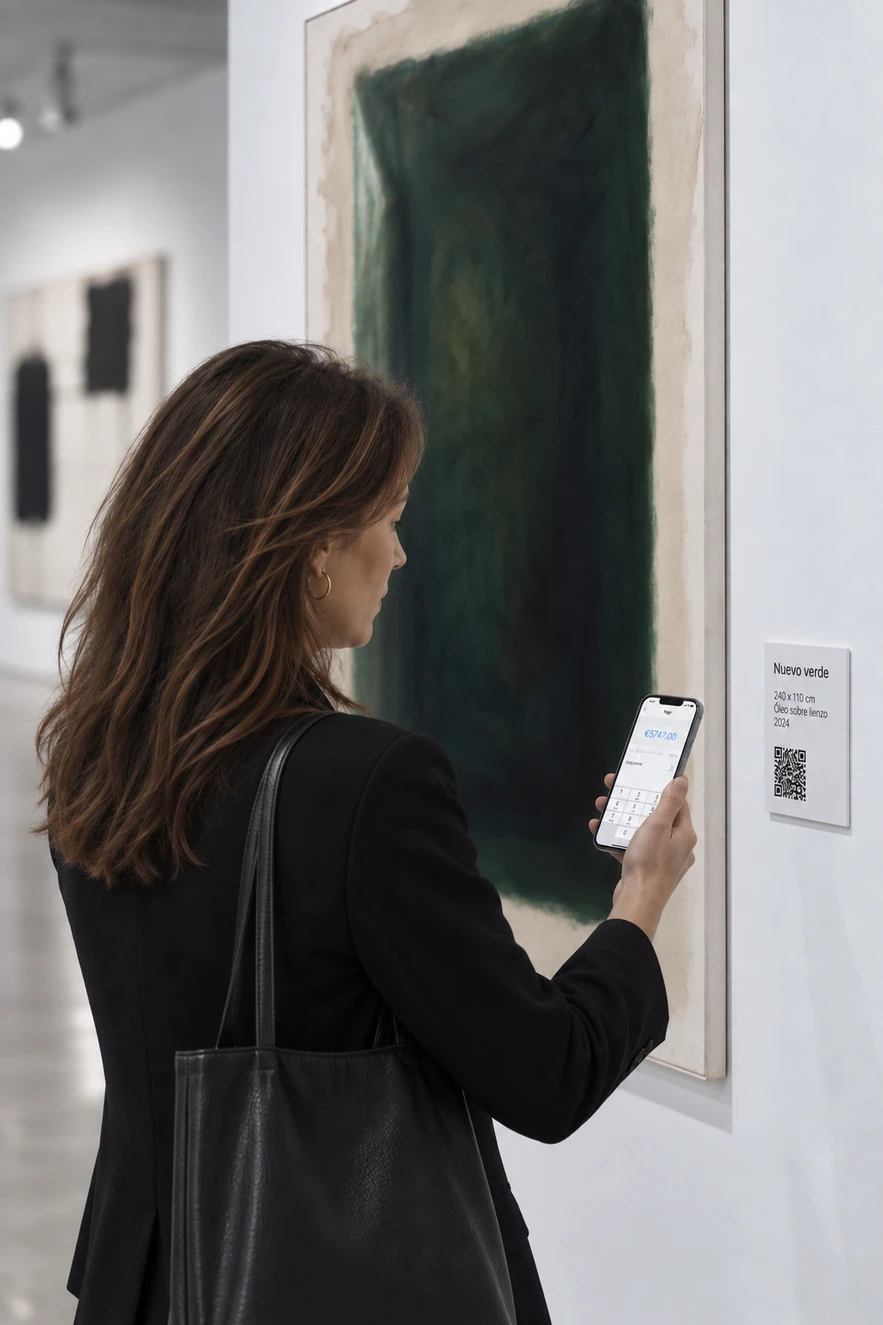
Get paid wherever you sell.

At a fair, during a studio visit or remotely: take card payments from your phone, send a payment link or accept payment in your showrooms. It works for the deposit on a reservation as well as for the full sale.

With Stripe built in

Card payments go through Stripe, integrated into ITGallery, and are recorded in the sale.

Invoicing

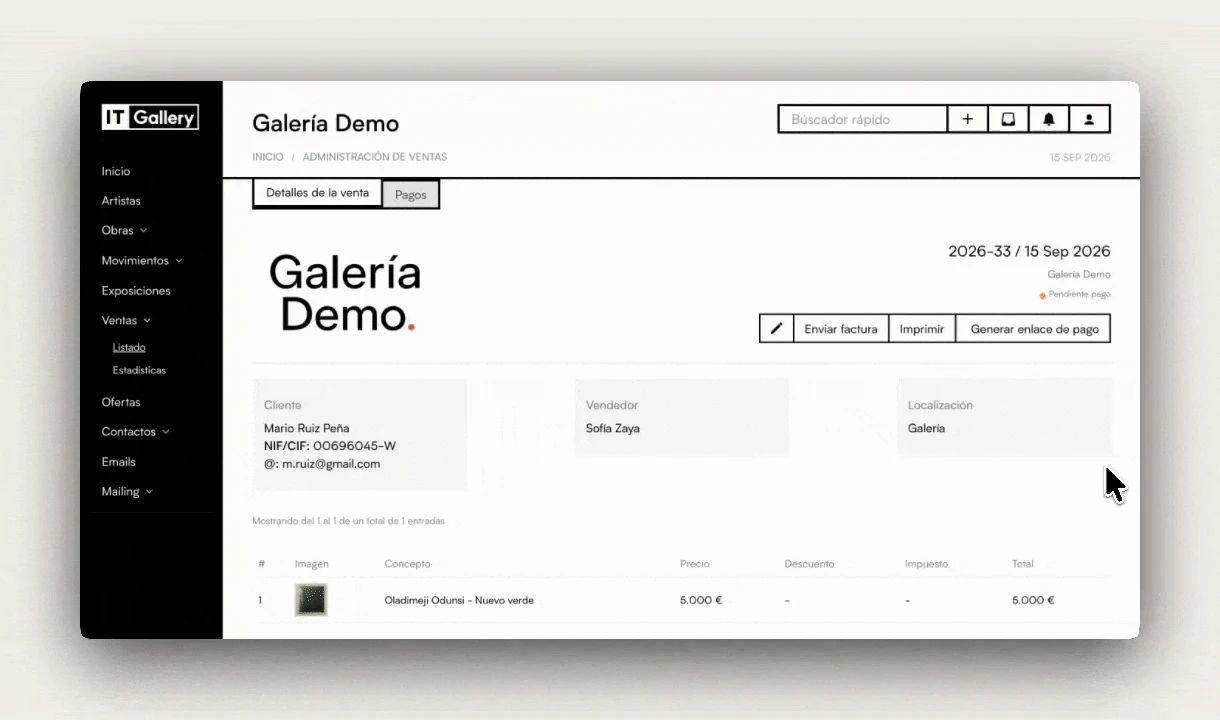
Invoice every sale without leaving your archive

Issue invoices and proformas with the artwork and buyer details already in your archive, and log every payment: the deposit on a reservation, partial payments and the final payment. Each sale stays linked to the artwork and the buyer, so you always know what you’ve been paid and what’s still owed, without keeping your studio’s accounts somewhere else.

Invoicing, up to date

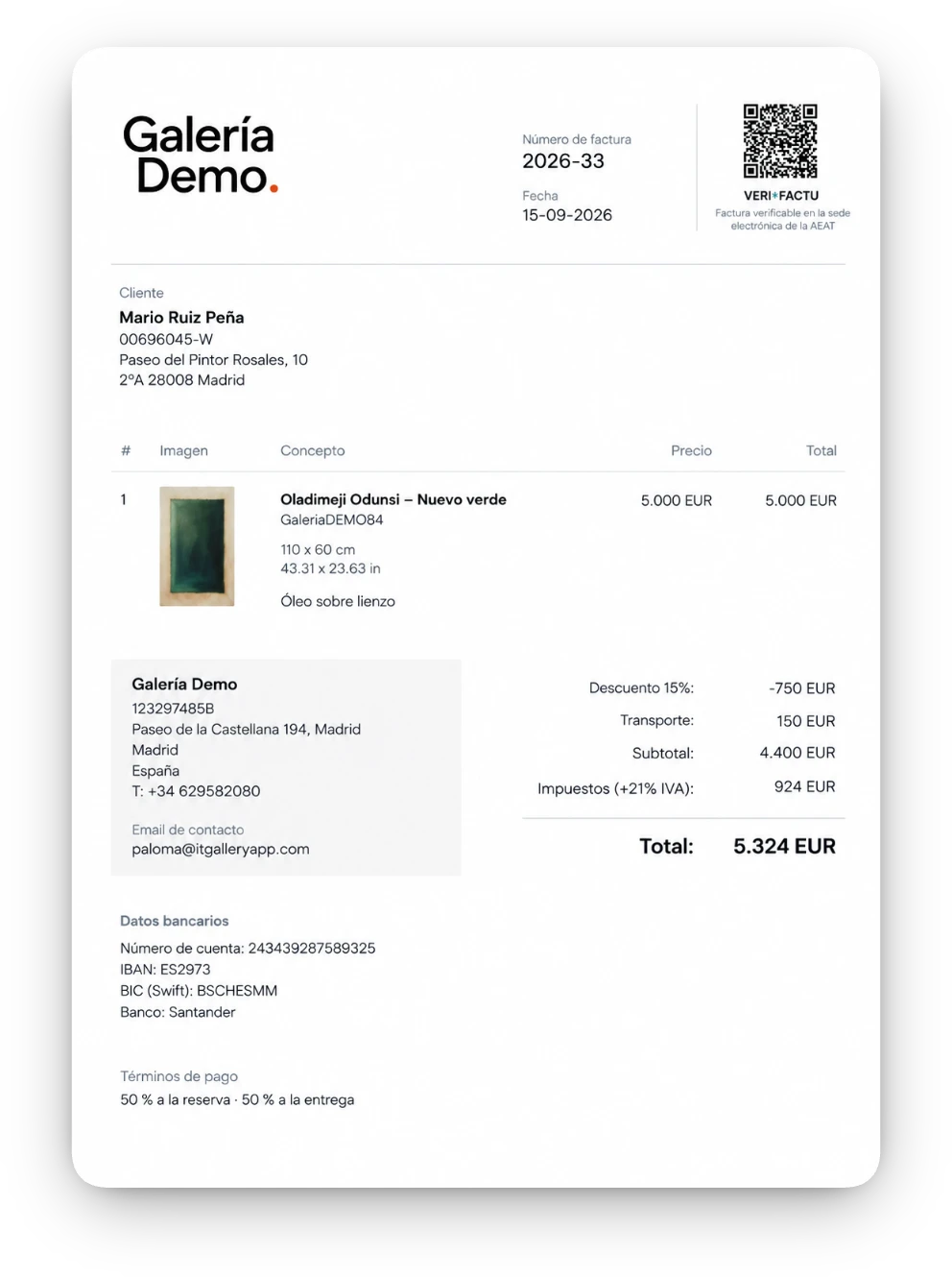
Every sale generates its own invoice.

Record the sale with its buyer and price, and issue the invoice with your tax details and automatic numbering, without copying anything into another program or handling invoicing separately. ITGallery is ready for Verifactu: issue your invoices from ITGallery under Spain’s new invoicing rules for self-employed professionals and businesses.

Reports and analytics

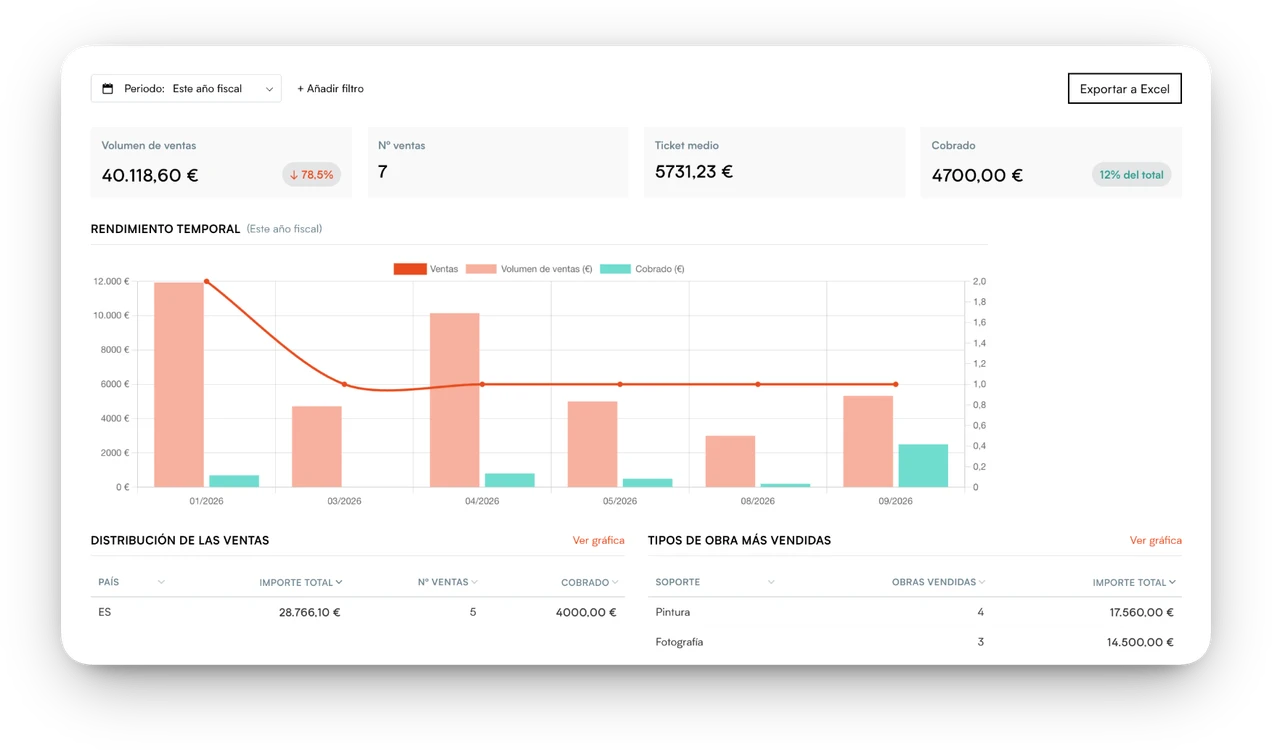
See what sells, when and for how much.

Look beyond the yearly total: compare offers and sales, review results by artwork, period or amount and see which opportunities end in a sale. Useful information for deciding which work to take to a fair or show at the next studio visit.

More tools

Selling from the studio

  • Sell abroad Take payments in the buyer’s currency; if it isn’t your bank account’s, Stripe handles the conversion.
  • Sell copy by copy Sell each numbered copy or artist’s proof separately and track what’s still available in each edition.
  • Sales in Excel Download your offers and sales, or the results of a search, to keep your accounts or prepare reports.

All connected

A sale starts long before the invoice: during a studio visit, in a showroom or with a dossier. ITGallery brings together your archive of artworks and your contacts—collectors, galleries, curators—with the tools you use to present your work, follow up and close each sale.

More than 3,000 art professionals manage their work with ITGallery

  • Alzueta Gallery
  • Bendana Pinel
  • Filomena Soares
  • Gallery Nosco
  • Karen Huber
  • NF
  • Parra & Romero
  • Portas Vilaseca
  • Ultravioleta
  • Travesia Cuatro
  • Studio Trisorio
  • Sketch
Before you decide

Common questions

The questions we hear most before people get started. If something is missing, write to us and we’ll give you a straight answer.

Can I sell my work directly from ITGallery?

Yes. You log the sale with the buyer and the price, issue the invoice with your tax details and take card payments through Stripe: from your phone, with a payment link or in a showroom. ITGallery is ready for Verifactu.

How do I keep track of the work I have with galleries?

You record each consignment or loan with its dates and documents, and you always know where each artwork is and whether it’s still available, reserved or sold. If the gallery also uses ITGallery, you can connect your accounts and send each other artworks without entering them again.

Can I sell copies of an edition separately?

Yes. Each series has its numbered copies and artist’s proofs, and you track the availability, location and sale of each one separately.

Can I take a reservation deposit at a fair or in the studio?

Yes. With the app you accept payments with any card, in any currency, whether it’s the deposit on a reservation or the full sale. The payment syncs to your archive automatically.

How much does it cost me to take card payments?

There are no fixed fees: ITGallery adds 0.5% to Stripe’s fee. With a European account you pay 2.4% in total with European cards and 3.9% with cards from outside Europe.

Can I hand over a certificate of authenticity with a sold artwork?

Yes. You generate it from the artwork’s record, with its image and details, as a PDF or Word file with your logo, ready to give to the buyer along with the invoice.

Start whenever you’re ready

Try ITGallery in your studio for 15 days

No card needed. Add your artworks, record a sale and issue your first invoice from the studio.

3,000+
art professionals work with ITGallery
10+ years
supporting galleries, artists and collectors
15 days
free trial, no credit card