Security
Your data, under your control
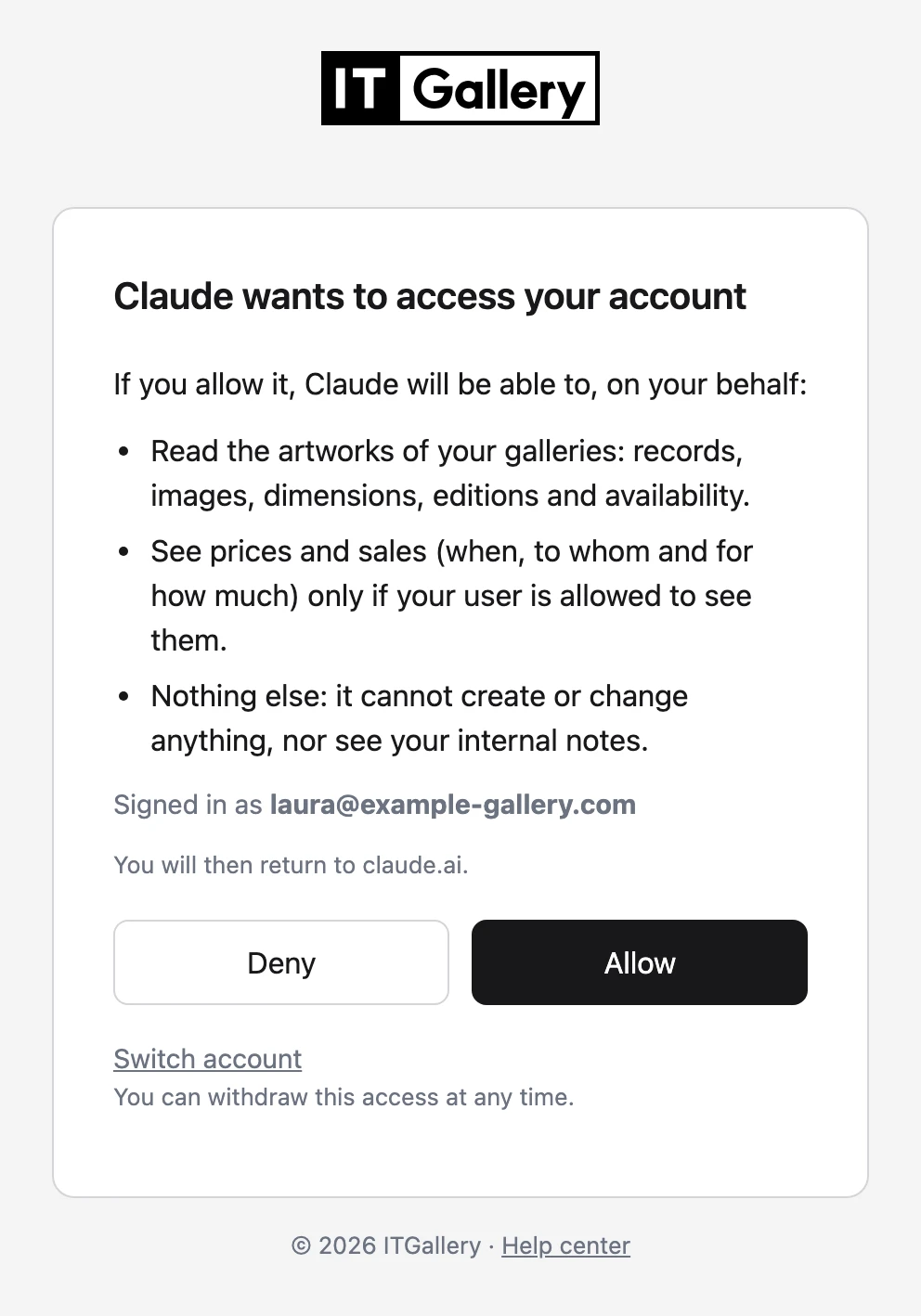
Before connecting, ITGallery shows which assistant is requesting access and what it will be able to do, and each person allows or denies it. After that, it follows the same rules the gallery already has in ITGallery.
- Read-only: it can’t create, change or delete anything
- Prices and sales, only if your user can see them
- Never internal notes or buyer contacts
- No one has it by default: an administrator grants it
- Sign-in with your account and two-step verification
- One-click disconnect from your user profile