Use cases
One showroom. Many ways to use it.


Showrooms
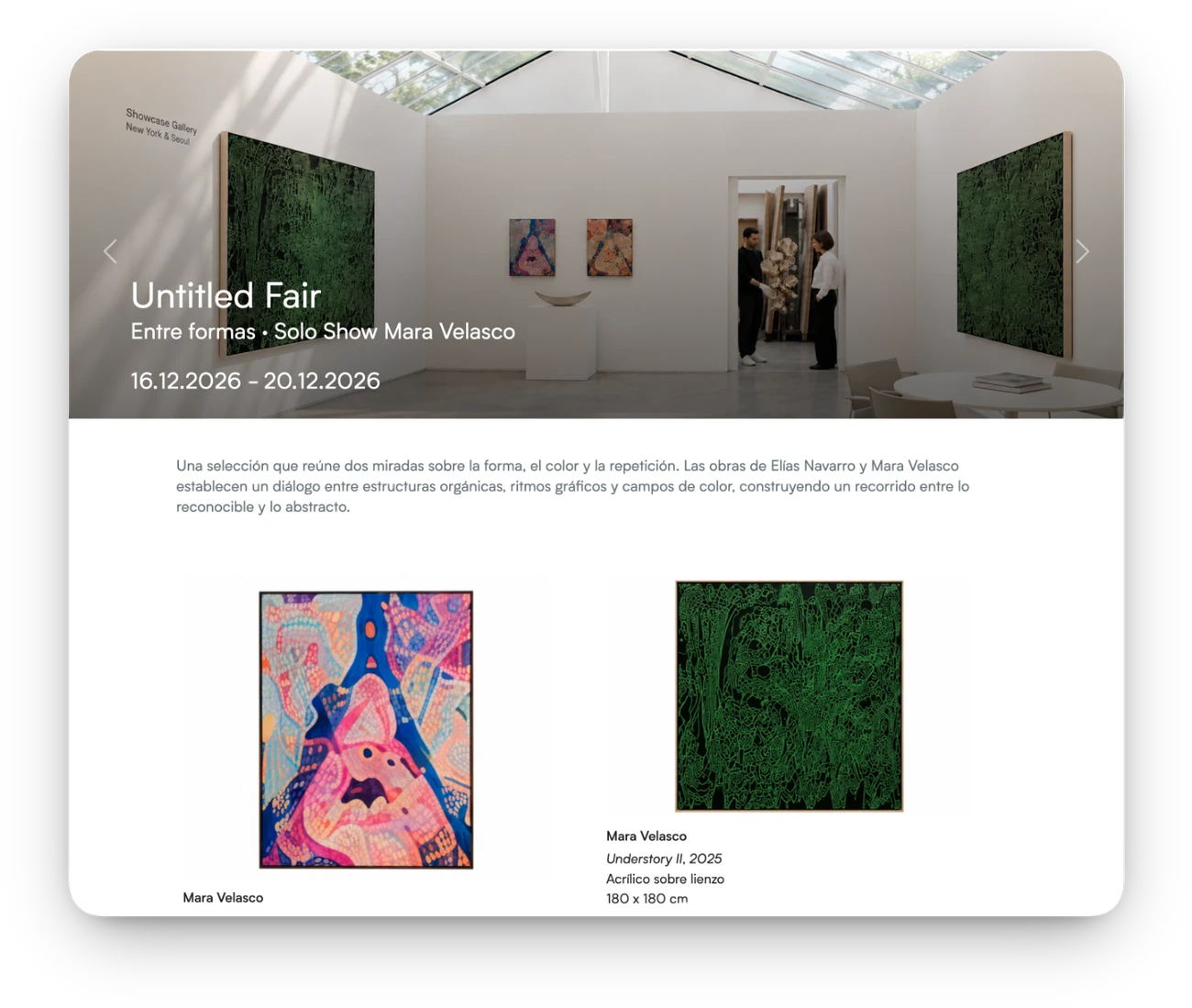
Create showrooms—online viewing rooms—to share selections of artworks from your art gallery, gauge your collectors’ interest and smooth the way to a sale.
More than 3,000 art professionals manage their collections with ITGallery












Use cases
How it works
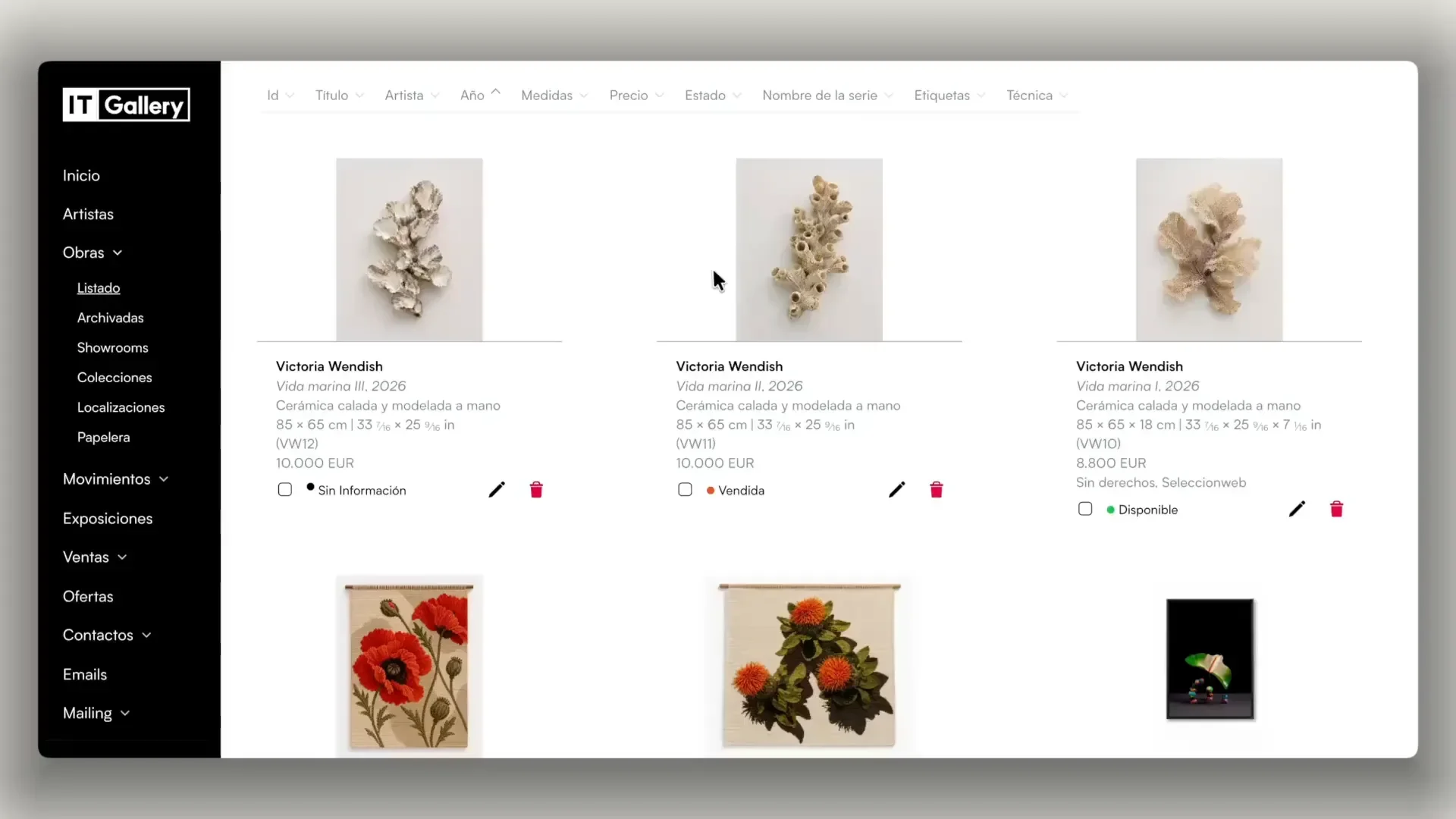
Choose your design
Choose from different designs created by professionals and adapt the typography, colors and content to match your gallery.

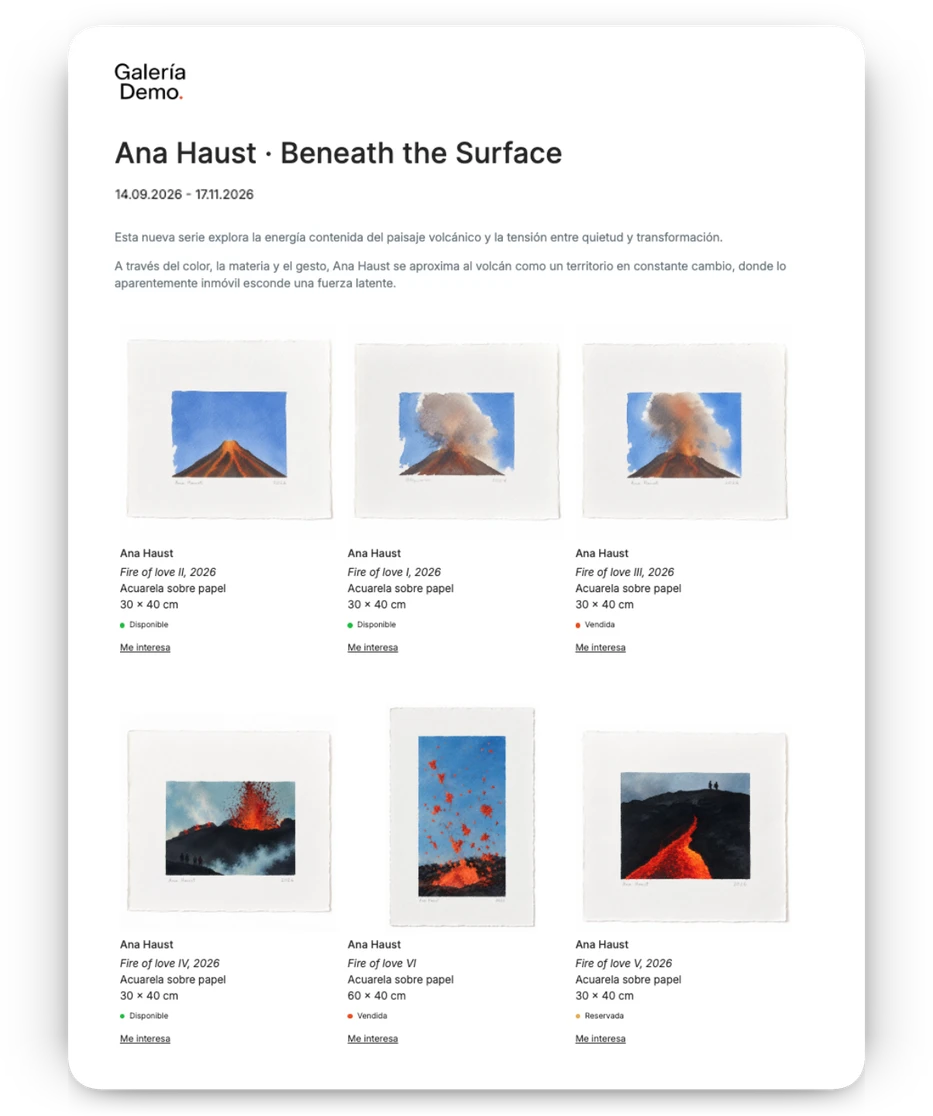
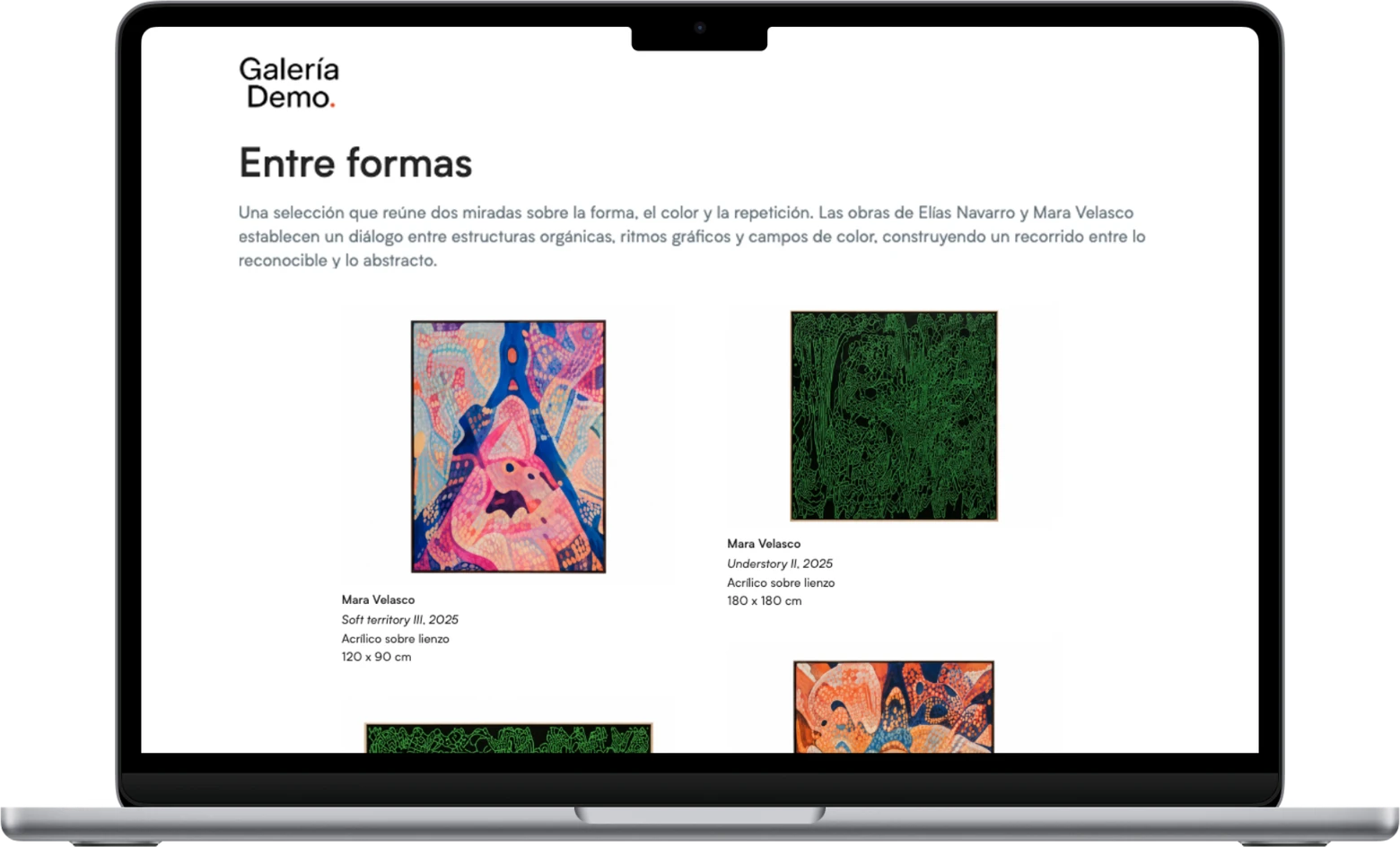
Two artworks per row, in a spacious layout that gives each piece more prominence.

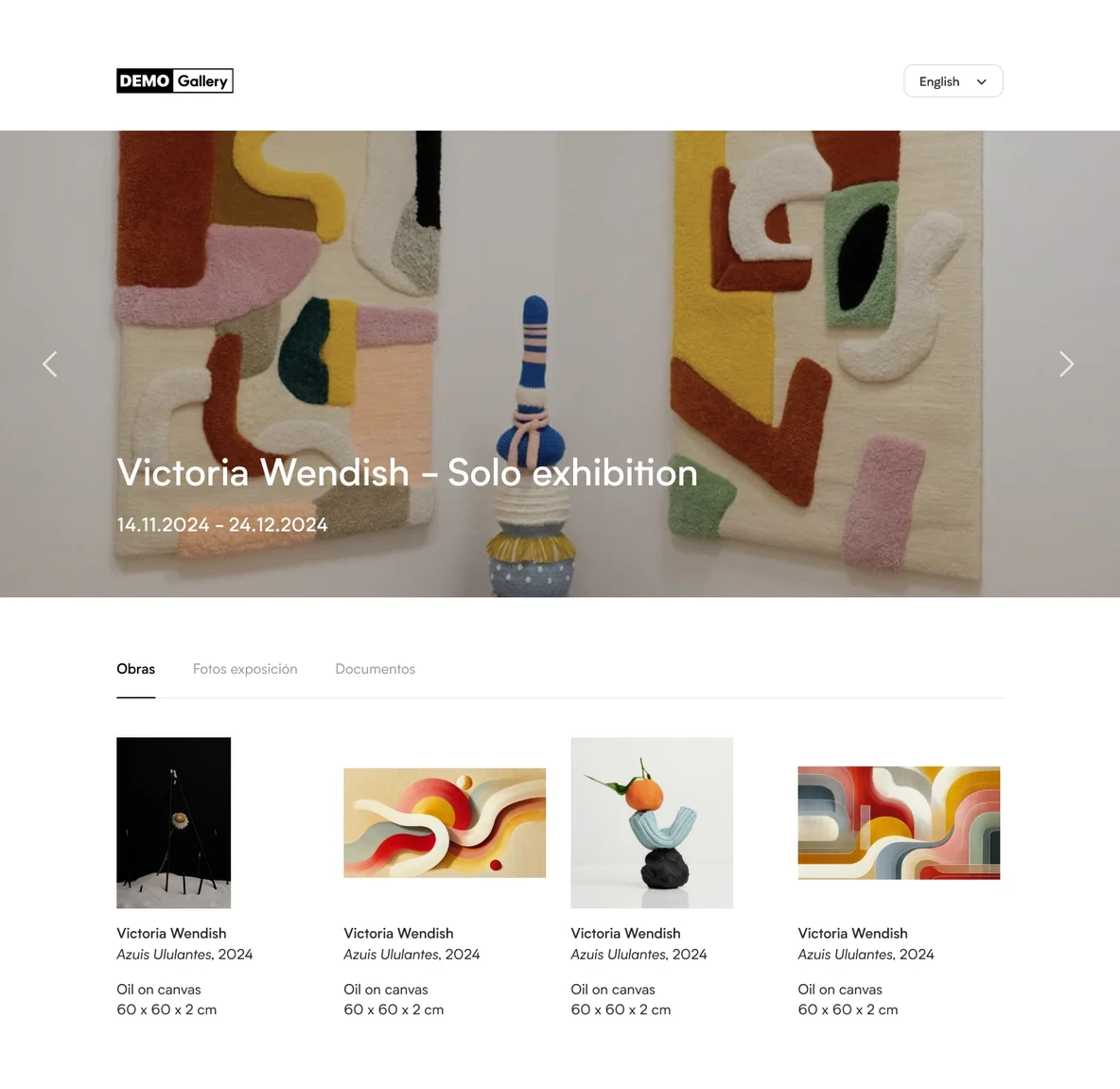
Four artworks per row, in a clean grid where the artworks take center stage.

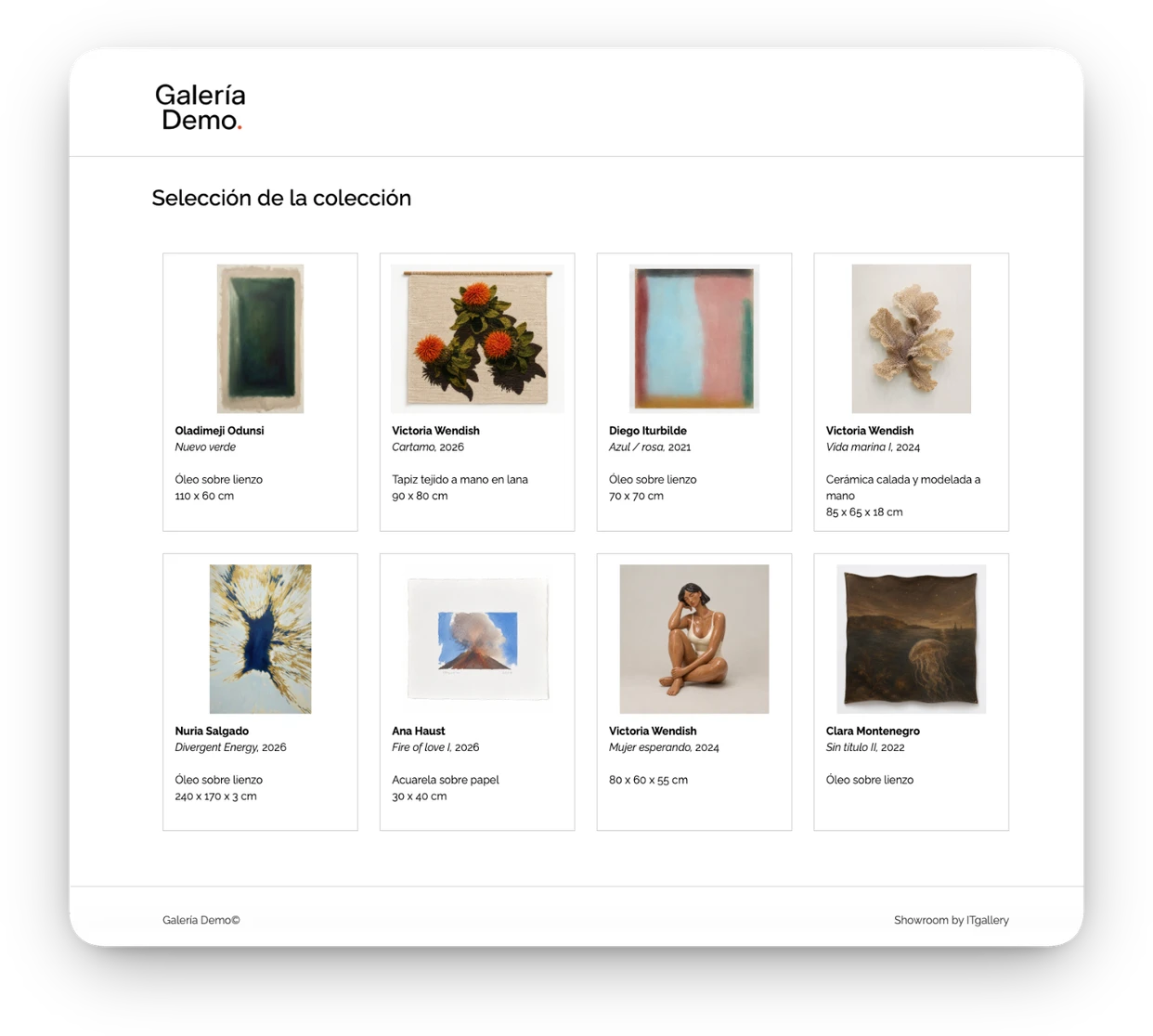
Choose the number of columns and adapt the layout to the number and format of your artworks.

A different design, with each artwork framed inside a square for a more graphic presentation.
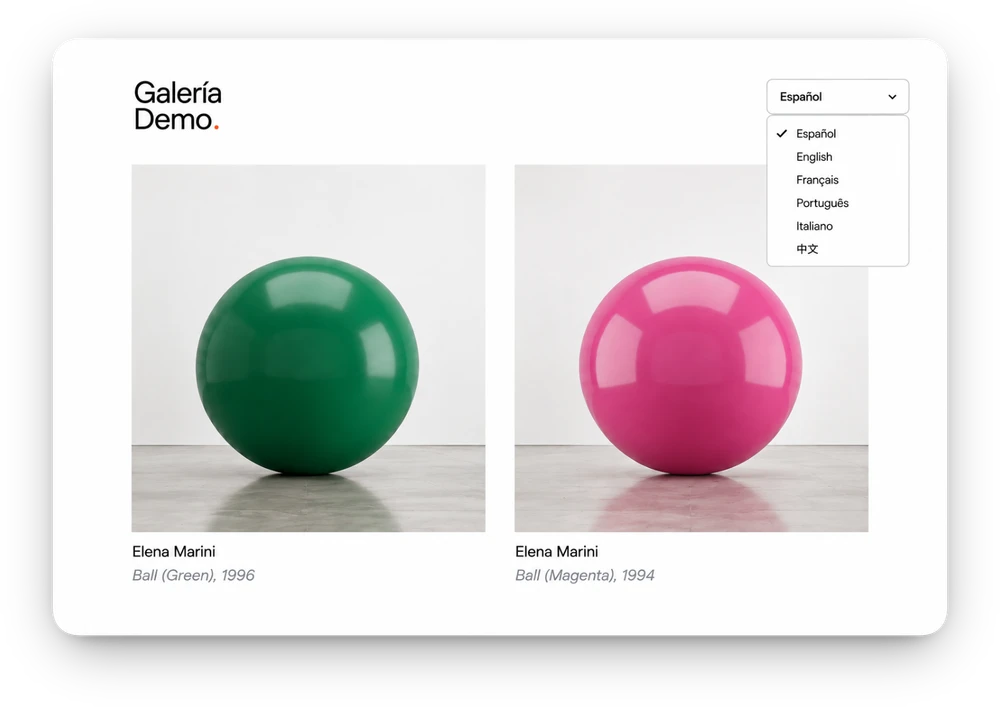
Speak your collectors’ language
Create one showroom in several languages from the information in your database, without duplicating content or maintaining different versions.

Beyond the showroom
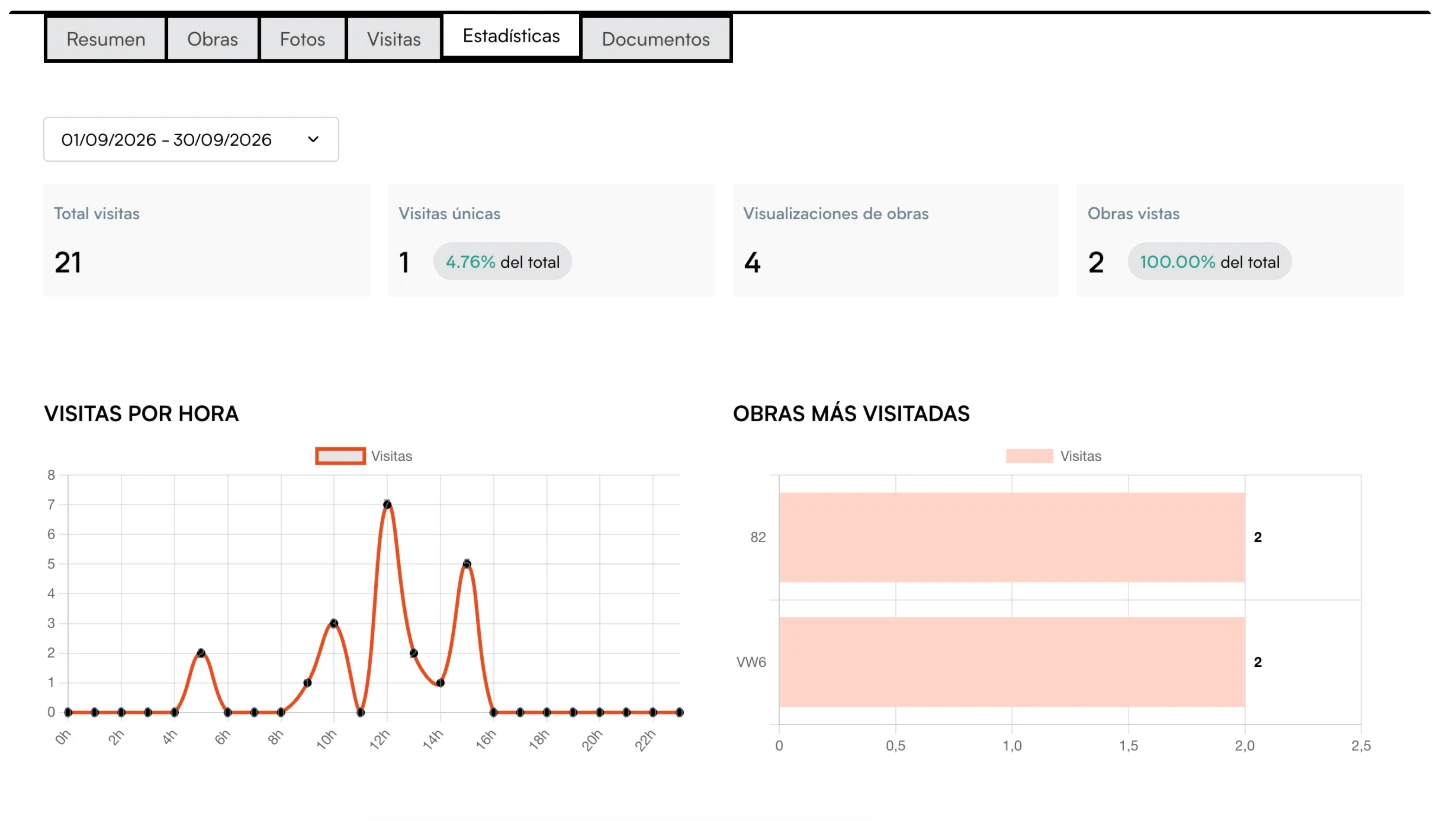
See who visits your showrooms, find out which artworks spark the most interest and use that information to follow up more precisely.
ANALYTICS
See which collectors visited your showroom, which artworks they viewed and how they engaged with them.
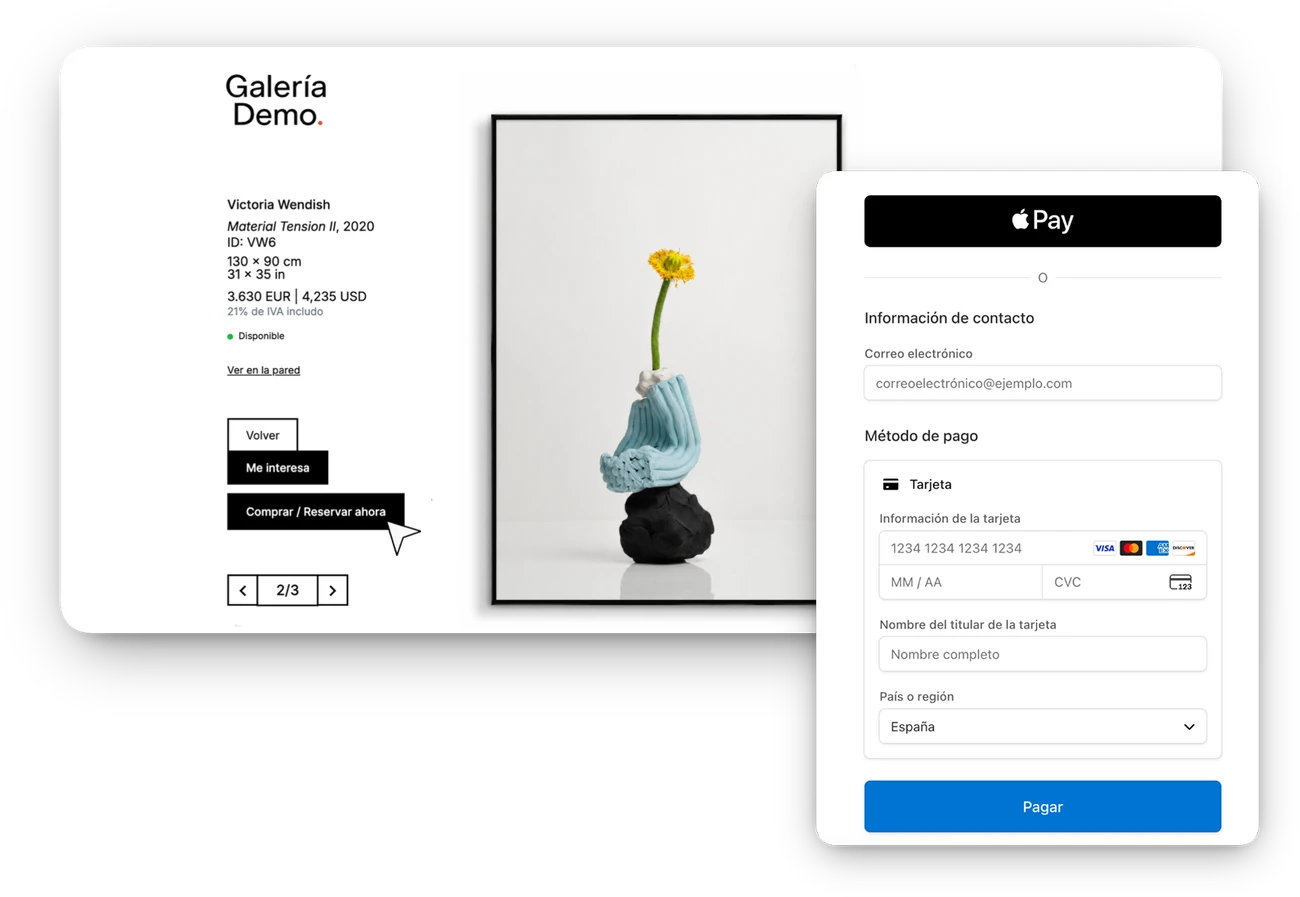
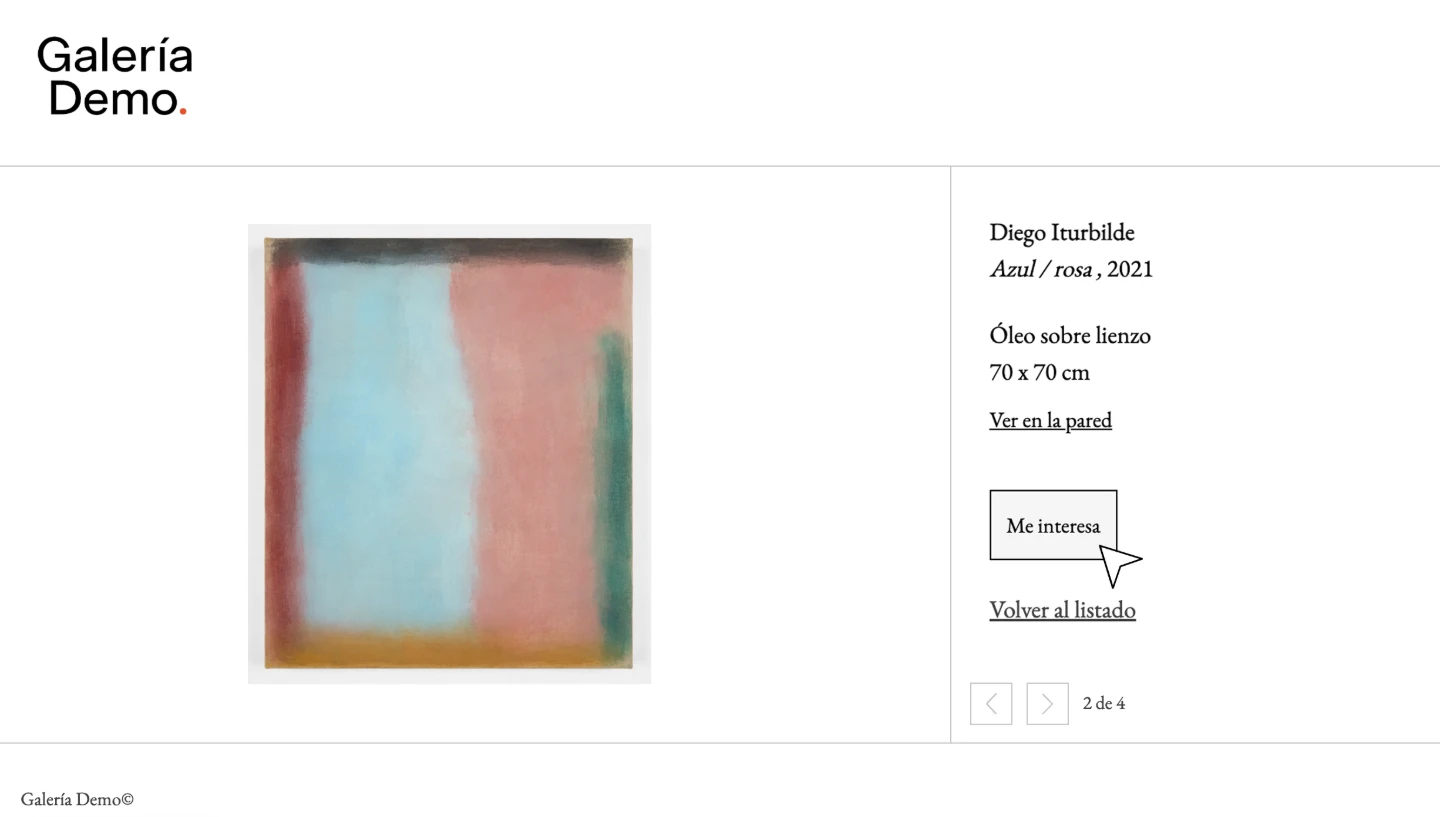
ONLINE PURCHASE
Let people purchase an artwork directly from the showroom, without leaving the presentation.
PAYMENTS
Accept deposits, sell editions or collect an artwork’s full price through Stripe.
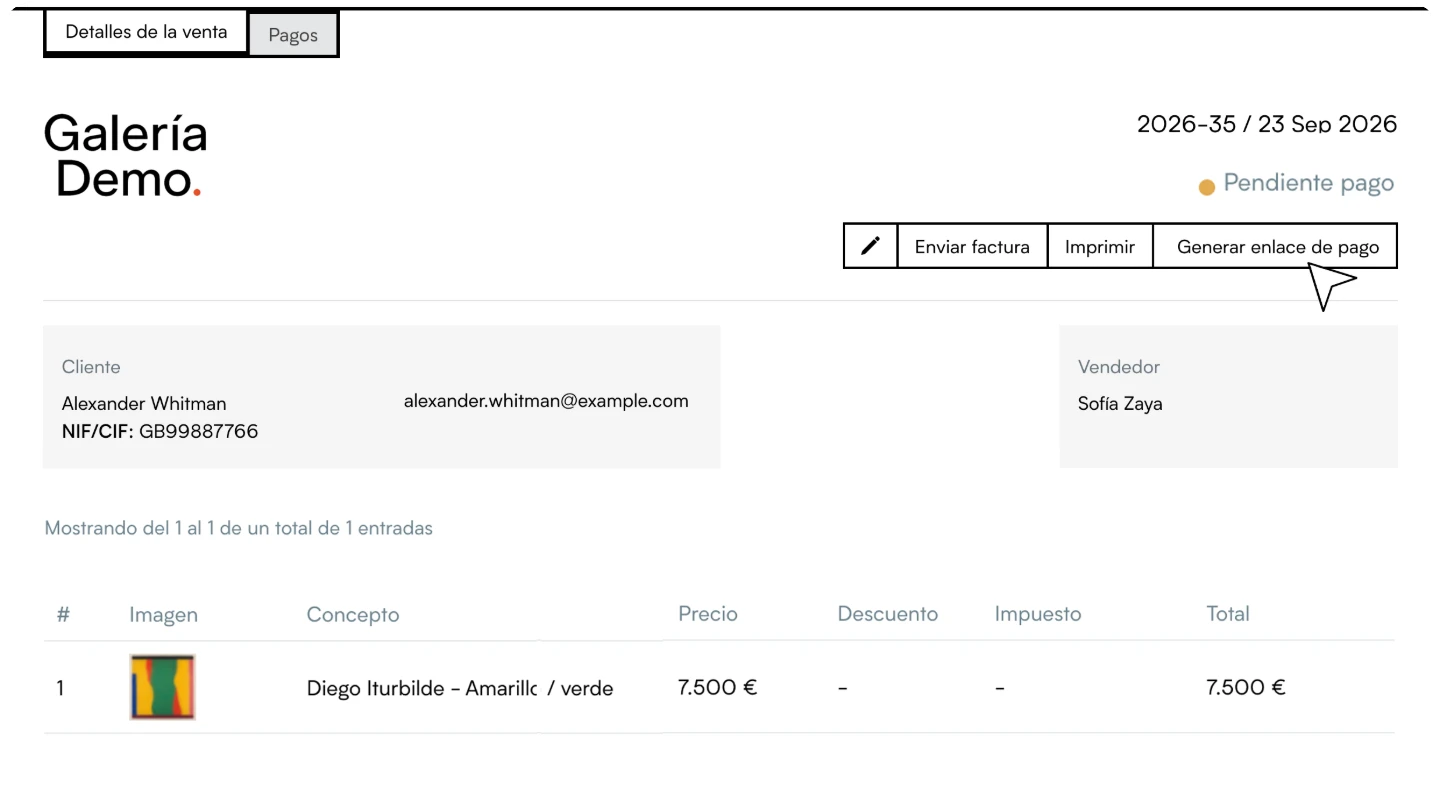
ACCESS FORM
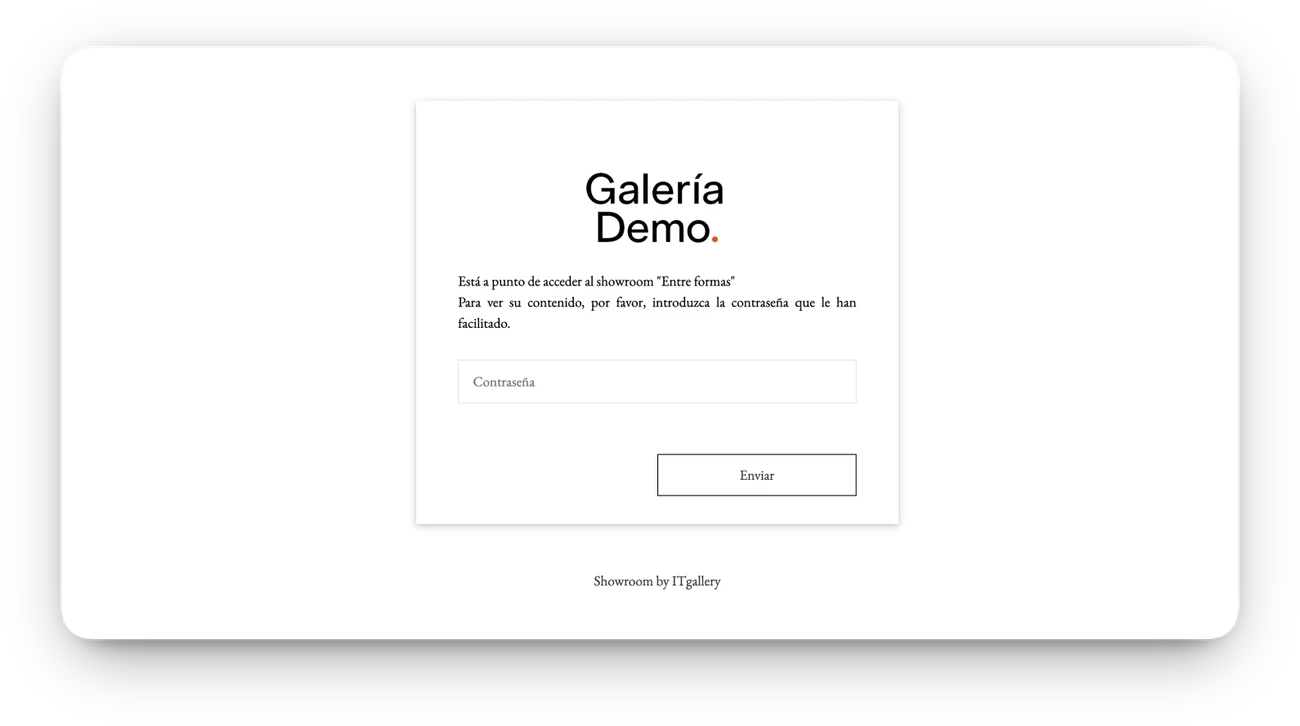
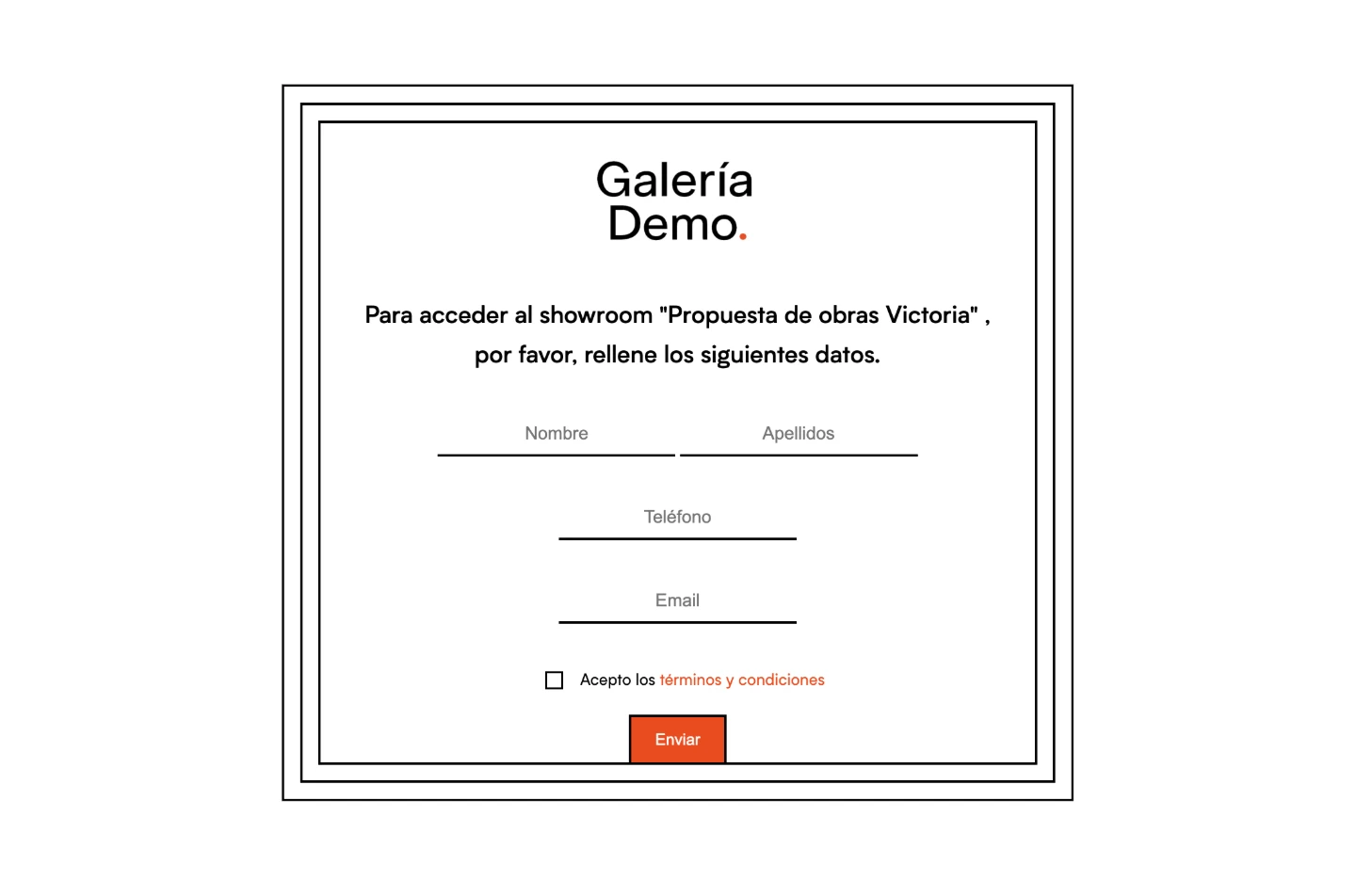
Ask for their contact details before giving access to a private presentation.
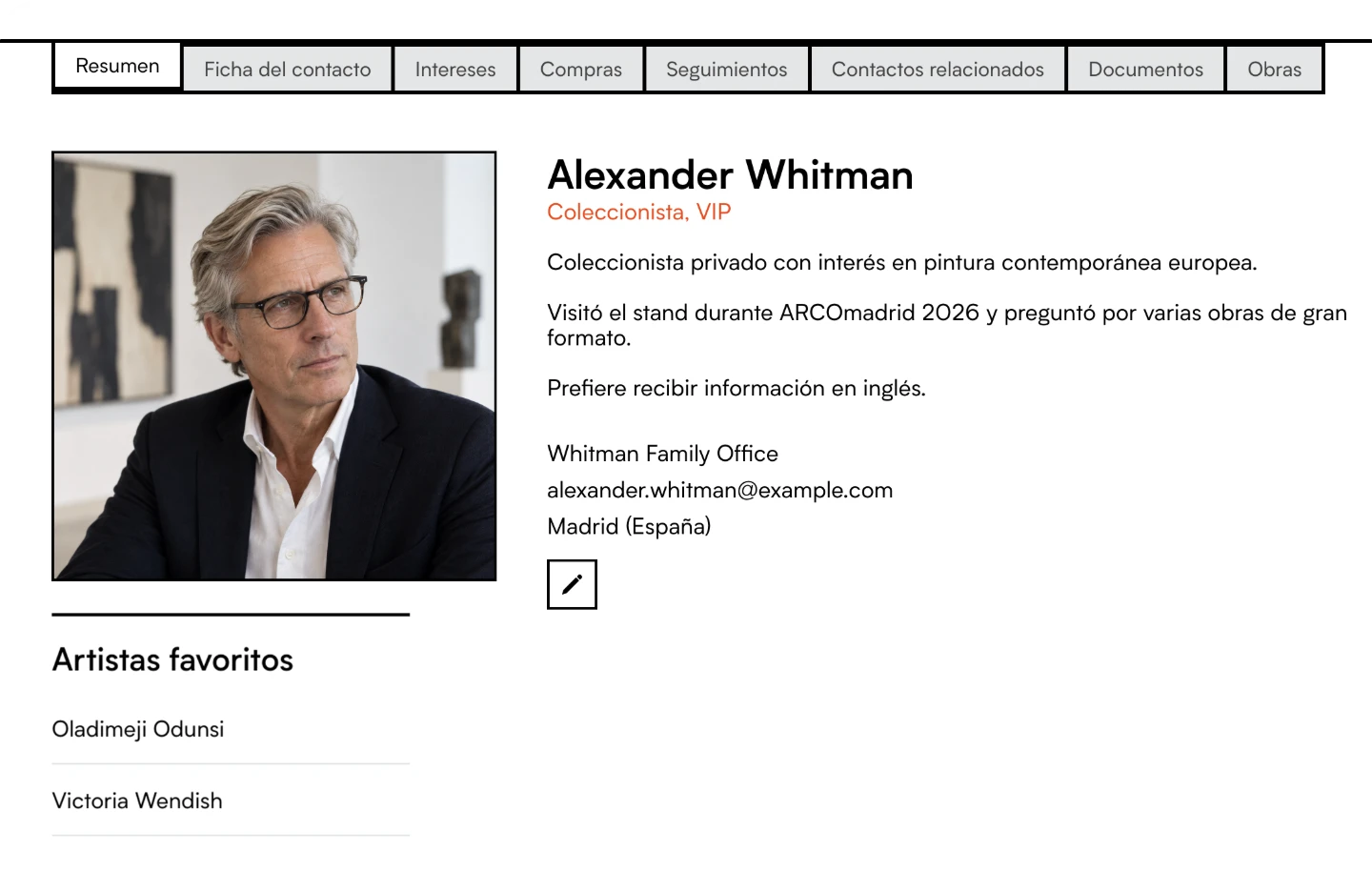
CONTACTS
Collect your visitors’ details and activity and keep them connected with your contacts in ITGallery.
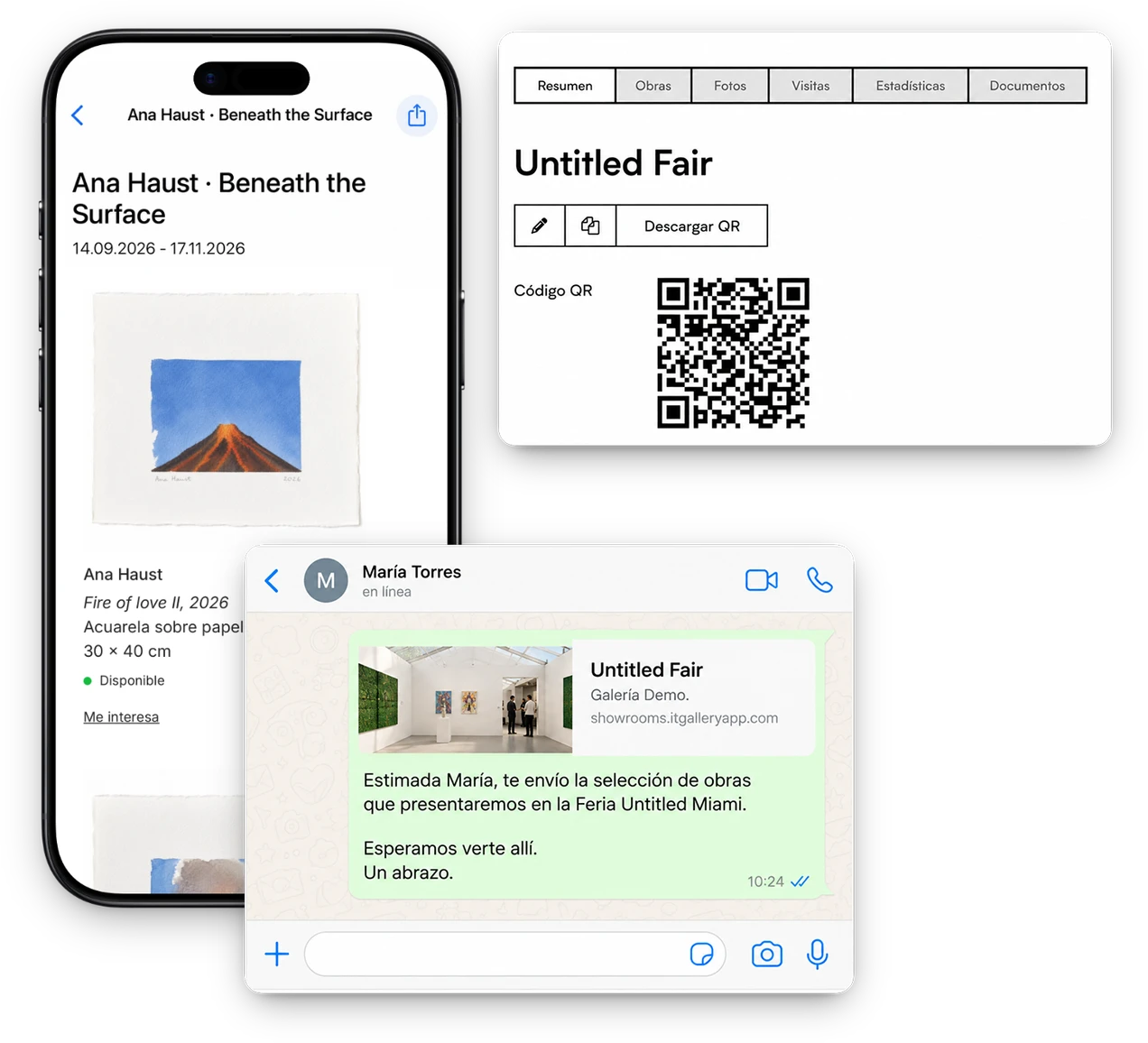
One showroom, all your channels
Every showroom has its own link. Send it by email or WhatsApp, add it to your website, create a QR code for your booth or share it straight from the ITGallery app.
You’re in control
No duplicated information
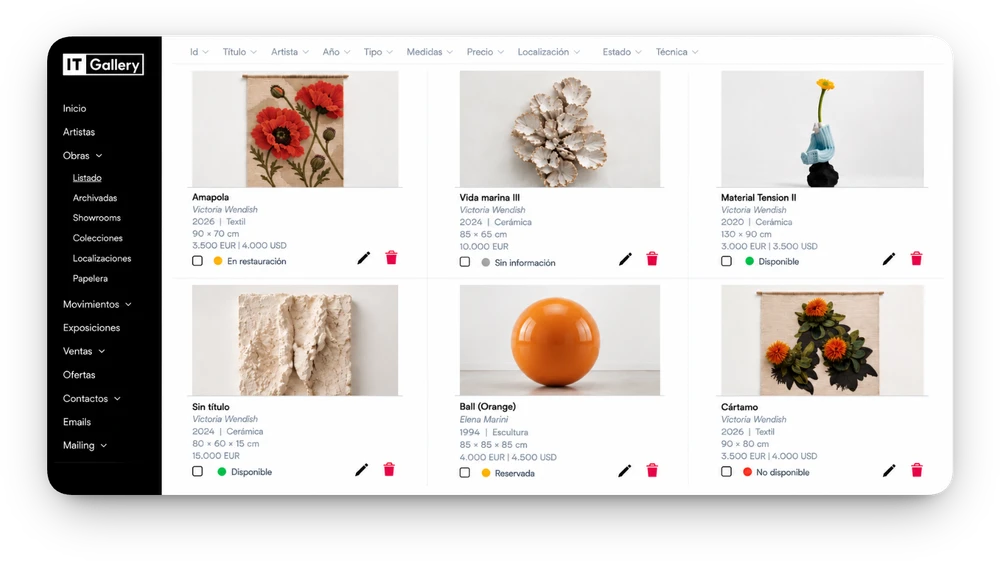
The information you share is already in ITGallery. Select the artworks and create your showroom without re-entering data or maintaining duplicate information.

What our clients say
“It has helped us take our gallery to the next level, making our work more agile and professional.”
“It makes both day-to-day management and planning future activities much easier.”
“We can now track our client relationships far better and build a much stronger, more detailed contact base.”
“It helps us a great deal on the sales side, both to follow up with clients and to close sales.”
The questions we hear most before people get started. If something is missing, write to us and we’ll give you a straight answer.
A web page, private or public, with a selection of artworks from your inventory, ready in minutes. It’s what the art world calls an online viewing room: use it to present an exhibition, prepare for a fair or propose artworks to a collector.
Yes. Create as many showrooms as you need, each with its own artworks and visible prices. You can protect it with a password, ask for contact details before entry and give it an expiration date so the proposal has a deadline.
Yes. Share the selection before the opening, create a QR code for your booth and a separate link for each language for collectors coming from abroad.
Yes. You can allow direct purchase, a reservation with a deposit or just messages of interest. Payments go through Stripe and the sale is created automatically in ITGallery, with the artwork and the buyer.
Yes. Analytics tell you how many visits it has had, when and which artworks drew the most interest, and each visitor’s details go into your collector CRM, with their interests and history.
Yes. A showroom can work as an artist portfolio, with their work, career and texts in one space, and in several languages if you have the information recorded.
Yes. They’re part of ITGallery on every gallery plan, at no extra cost and with no limit: create as many as you need for each exhibition, fair or collector.

Start whenever you’re ready
No credit card. Create your art gallery’s first showroom and share it with your collectors.